
Building a mobile app: key steps and the right technical choices
From idea to store release, the six steps to a successful iOS and Android app, and why cross-platform is often the best choice.
Achraf
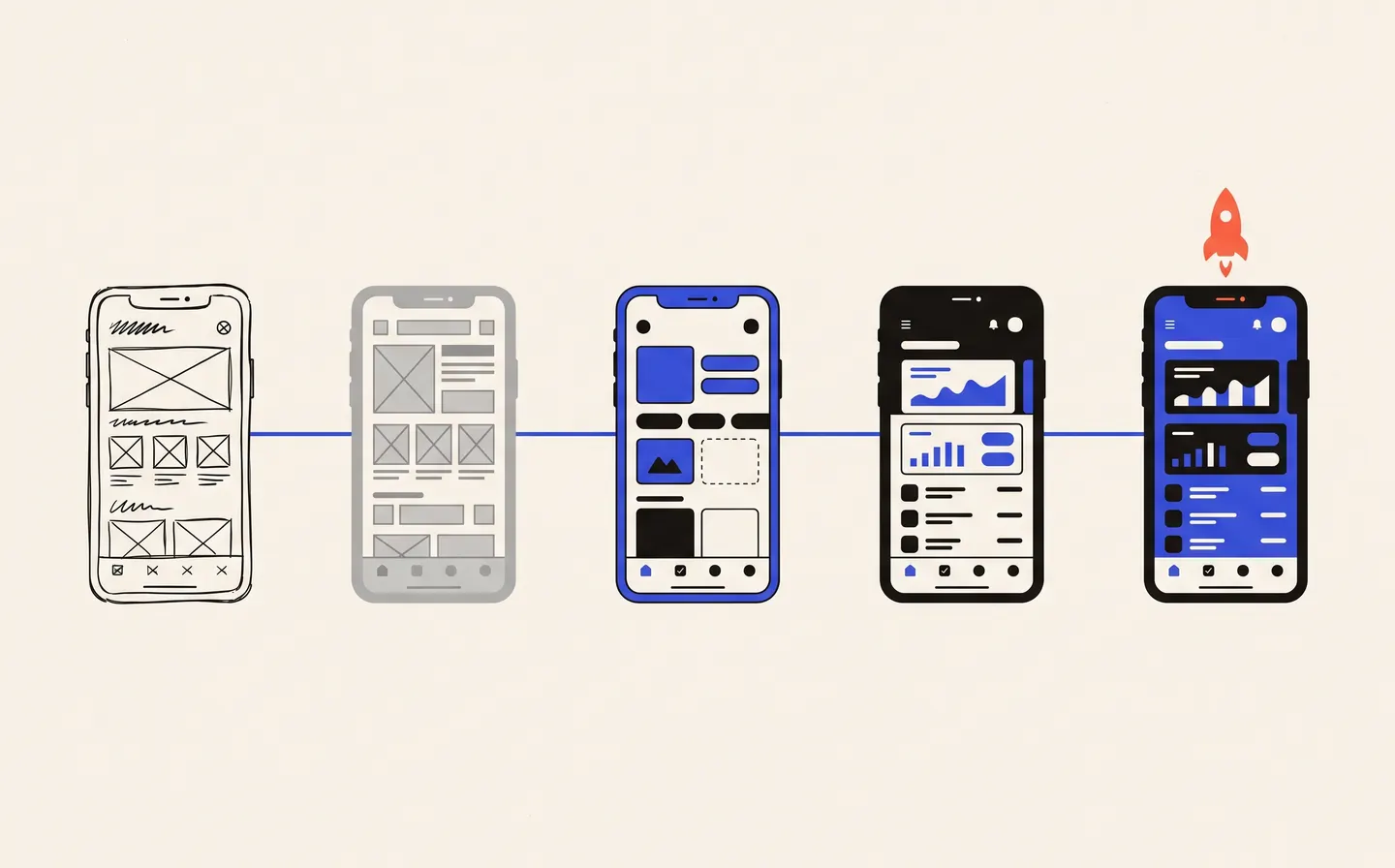
A mobile app can build customer loyalty, simplify your field teams' work or become a product in its own right. But it has to start on the right footing: a poorly scoped project is expensive, and an app nobody opens is useless. Here are the steps we follow to build a mobile app, and the technical choices that make the difference.
1. Define the use case before the features
The first question is not "what should the app do?" but "why would your users open it?". Ordering in two taps, tracking a delivery, logging a job, browsing a catalogue offline: one clear, frequent use beats a long list of features.
At this stage, we also identify user profiles, the data required and the systems the app must connect to (website, ERP, payments, back office).
2. Native, web or cross-platform?
There are three main options:
- native, with separate development for iOS and Android: high-performing, but two codebases to maintain;
- web app, accessed from the browser: quick to launch, but limited on notifications and device access;
- cross-platform, with a single codebase for iOS and Android.
We build our apps with React Native, a cross-platform technology that delivers a smooth experience, access to device features (notifications, geolocation, camera, offline mode) and simpler maintenance, since one codebase powers both versions.
3. Prototype before you build
Interactive mock-ups let you test user journeys on a real phone before a single line of code is written. It is the cheapest moment to fix a confusing screen, remove an unnecessary step or add missing information.
4. Build in iterations
Development moves forward through regular releases, tested on a dedicated environment. You follow progress, try the app as it takes shape and adjust priorities along the way, rather than discovering everything at the end.
5. Publish on the App Store and Google Play
Publishing requires developer accounts, screenshots, descriptions, a privacy policy and compliance with each store's rules. Apple reviews every version before release, so it pays to build that time into the schedule.
6. Support the app after launch
An app keeps living after release: iOS and Android updates, bug fixes, new features requested by users. Crash and performance monitoring lets you react quickly, and a maintenance contract keeps the app compatible and secure over time.
Got an app idea?
The Exisite team designs, builds and publishes iOS and Android apps for companies in Morocco and abroad. Tell us about your idea: the first meeting is free, and we reply within 48 business hours.